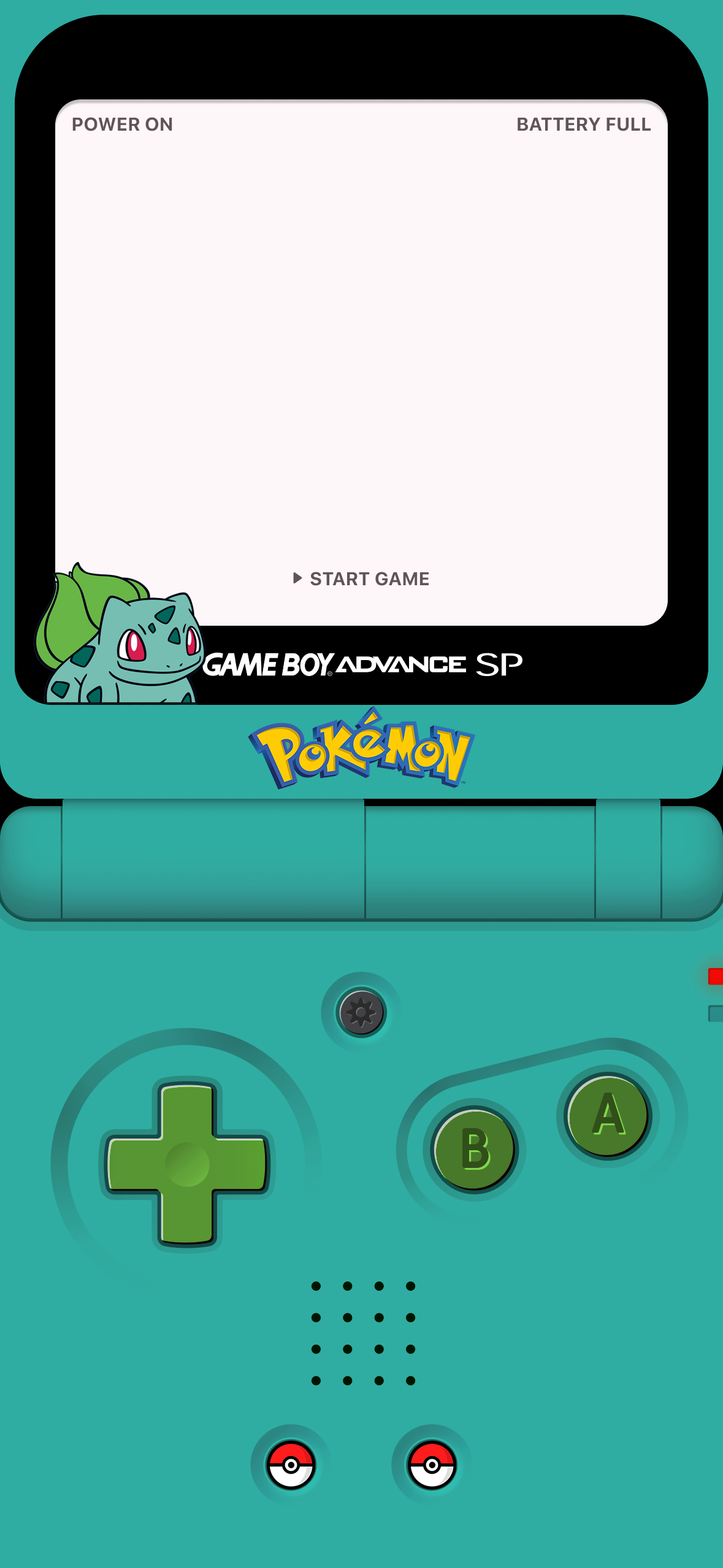
Bulbasaur
1179 × 2556 · PNG
↓ Download
Tap artwork or a logo in the preview to select it. Drag to move; use the controls for fine adjustments.
CREATE YOUR OWN
GBA Wallpaper
Start with the handheld, customize the screen, add artwork, then export.
5 SIMPLE STEPS1 · Device
STEP 1 OF 5
Choose the handheld style and colors first.
Blank Starter Styles
Choose a clean handheld template, then customize its screen, colors, artwork, logo, and sprites.
11 templates
Create uses blank templates only. Finished wallpapers stay locked in the Pre-made tab.
Console Hue
Shift the handheld body hue while keeping the red LED and button masks protected.
Button Color
D-pad and A/B buttons are masked from the hue shift and can be colored independently.
Shell Color
Change the handheld body color.
Quick Presets
Start with a hardware palette, then customize.
Screen Background
Choose a preset, solid color, or upload your own image.
Screen UI Text
Change or remove the original interface labels.
Bottom-Left Subject
SUBJECT
Right Screen Sprite
Custom sprite / none selected
SPRITE
POKÉSPRITE GEN 8
Choose Right Screen Sprite
Regular Gen 8-style box sprites and included alternate forms.
Loading sprite list…
Sprites load from PokéSprite when this picker opens.
PokéSprite source ↗
Selected Layer
Fine tune placement and appearance.
Custom Logo
Use text or upload your own transparent PNG / SVG-style image.
Logo Placement
These controls apply to an uploaded logo image.
Export Wallpaper
Preview stays fast while downloads render at full resolution.
FORMATPNG
LAYERS0 uploads
PRIVACYLocal only